
How it works, in plain words
Everything you do with the assistant uses credits. Here we explain how credits work, how to top up or subscribe, and what to expect. No technical jargon.
1 Credits
Think of credits like a prepaid phone balance: you have a balance, and every action (a question, a test, a mind map, an image) uses a little. When the balance runs out, you top up or switch to a subscription.
2 How much it costs, roughly
Not all actions cost the same: a simple question uses very few credits, while generating an image costs more. These are approximate values; you only pay for what you use.
3 Top up & subscribe
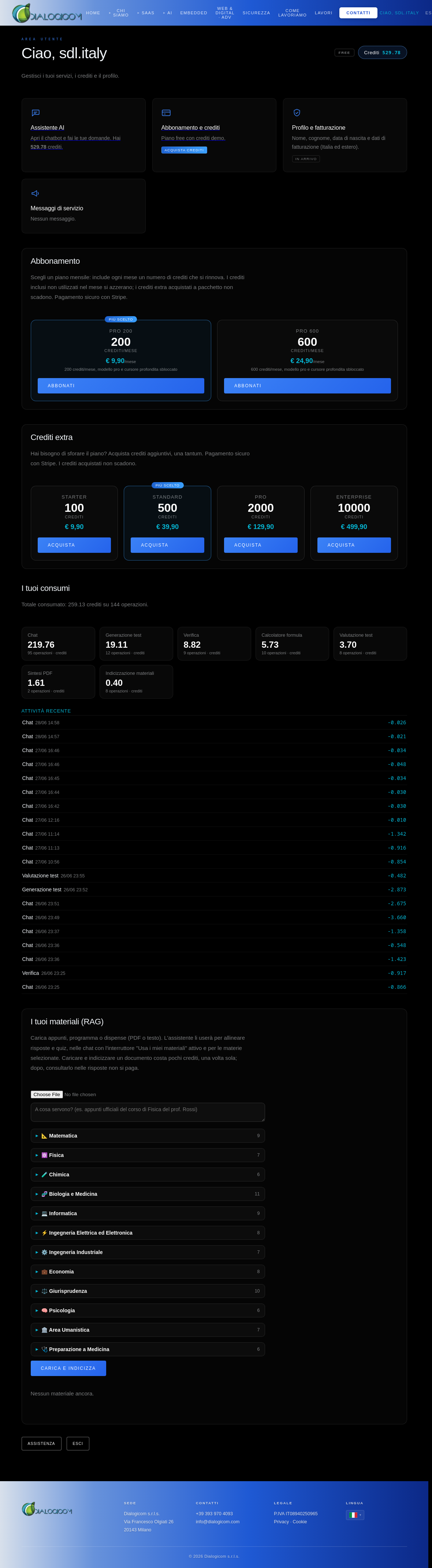
You have two ways to get credits, in your area:
Payments are secure with Stripe (credit card). After payment, credits appear in your area within a few seconds.
4 The chat & your materials
The assistant answers questions, generates tests, mind maps and formulas. You can also upload your own materials (notes, handouts as PDF or text): by enabling the "Use my materials" toggle, replies and quizzes align with what you have uploaded.
5 What to expect
• Important replies can be independently verified before being shown to you (look for the "✓ Verified" badge).
• The model is a Dialogicom model specialised in the subject area: we do not display third-party provider names.
• Payments are handled by Stripe; we do not store your card details.
• Your balance and usage are always viewable in your area, under "Your usage".